


Why the Outlook App Isn't Receiving Your Emails, and How to Fix It
When the Outlook app stops pulling in new mail, open Outlook on the web (outlook.com, or your organization's webmail add....
Help Email Tales publishes detailed, independently researched troubleshooting guides for Outlook, Yahoo Mail, AOL, iCloud, Xfinity, GoDaddy, and more. Every guide covers the real root cause - not just generic steps.
Select your email service to find guides specific to your platform
Not sure where to start? Pick the problem you're seeing

Can't Login to Account

Lost/Deleted Emails Recovery

IMAP & POP Related Issues

Email not Working

Unable to Send or Receive Email

Reset your Account

Set Forwarding to Email

Multiple Issues in Emails

GoDaddy Email

Business Email
Outlook

Xfinity

Btinternet
iCloud

Yahoo! Mail

Webmail

AOL

Samsung Email

Most email issues trace back to a handful of root causes, an outdated server setting, a failed authentication handshake, a blocked port, or a sync conflict between your mail client and the server. The platform names change, but the underlying problems repeat.
HelpEmailTales covers these problems in detail across the platforms people actually use: Outlook, Yahoo Mail, AOL, iCloud, Xfinity, GoDaddy Workspace Email, BTinternet, Samsung Email, and generic Webmail. Guides are written around specific error scenarios, not generic advice. If Outlook is receiving mail but not sending, the fix is different from Outlook not connecting at all. If Yahoo Mail stopped working in your phone's mail app, the cause is almost certainly App Password authentication, not your account password.
Every guide on this site explains the cause first, then the fix, so you understand what you're changing and why, not just which button to click.
Our reliable guides have helped us make a happy relationship with email users. Find below what our customers say about our guide
Outlook kept failing to send my emails for like three days and I had no idea what was causing it. Tried restarting everything, checked my wifi, nothing helped. Found the article here about SMTP ports and it turned out my ISP was blocking port 587. Switched to 465 with SSL like the guide said and it just worked. Honestly I would never have figured that out on my own.
After an iOS update my Yahoo Mail app just stopped loading. Could still get into it on the browser but the app was useless. The article on this site told me to remove the account from iPhone Mail settings and re-add it with the right IMAP server and SSL turned on. Did that, maybe took ten minutes, and my inbox came back. Glad I found this before I called Yahoo support.
Just moved from Android to iPhone and setting up iCloud Mail on my mail client was a nightmare. The server settings Apple gives you didn't work for me. Found the right incoming and outgoing server details here and it connected on the first go. Wish I had found this page.
My Xfinity inbox stopped pulling in new messages for almost a week. I thought something was wrong with the account itself. The article on HelpEmailTales pointed me toward checking my email filters and storage quota, my inbox was nearly full and aggressive spam filters were blocking delivery. Cleared about 400 emails and adjusted the filter settings. Messages started coming in within the hour.
I was trying to connect my Outlook account to a third-party scheduling tool and kept hitting an authentication error. Spent a while thinking it was a problem with the app. The Help Email Tales article on Outlook modern authentication explained that Microsoft had deprecated basic auth and I needed to generate an app password under my account security settings. Followed the instructions, pasted in the app password, connected fine.
Set up a new GoDaddy Workspace email for my small business and it worked fine on desktop but wouldn't receive messages on my phone. The guide here explained the correct IMAP settings for GoDaddy — specifically the incoming server address and SSL port, which were different from what I had entered. After updating those, sync worked across all my devices.
My AOL account kept asking me to reset my password but the reset emails weren't arriving. I was stuck in a loop. The HelpEmailTales guide explained that AOL recovery emails sometimes land in third-party spam folders or take up to 15 minutes depending on your recovery address provider. It also showed me how to use the account key option instead. That worked and I got back in.
I manage email for our small accounting office and needed to add our business domain email into Outlook on a new computer. Our provider gave us basic setup info but Outlook kept rejecting the configuration. The HelpEmailTales guide specifically covered IMAP setup for business domain emails in Outlook, including which SSL options to check and the correct port for outgoing mail. Configured it exactly as described and it worked.
Lost access to my Yahoo account because I got a new phone and two-step verification codes were going to the old number. The recovery guide on HelpEmailTales walked me through Yahoo's account recovery form and what details to have ready account creation date, recent subject lines, devices previously used. Took a day to verify but the process worked and I got access back.
Every email from a particular client kept landing in my Junk folder in Outlook even though I marked it as not junk multiple times. Found the article here that explained how to properly add a sender to the Safe Senders list through Outlook settings, not just by right-clicking. Did it properly through the settings menu and the emails have been landing in my inbox since.
BT had migrated my account and suddenly I couldn't log in through my usual mail client. The Help Email Tales article on BTinternet specifically addressed the post-migration login changes and the updated server settings BT moved to after the Yahoo partnership. Updated the settings as described and access was restored the same day.
Xfinity emails were sitting in my outbox for hours without sending. I thought it was a connection issue but my internet was working fine. The troubleshooting guide here listed several causes, one of them was an oversized attachment that was holding up the queue. I deleted the stuck message, sent it without the attachment first, then sent the attachment separately. Everything cleared.
Clients were telling me my emails were bouncing back to them undelivered. My email looked fine on my end. The article here explained that bounced GoDaddy emails can be caused by SPF or DKIM records not being set up correctly in the DNS, especially for newer domain setups. Passed that info to my web developer and he confirmed one DNS record was missing. Fixed within a day.
Tried setting up iCloud Mail on Outlook for Windows and kept getting a password rejection. I was entering my regular Apple ID password. The guide explained that for third-party mail clients you need to generate an app-specific password from appleid.apple.com. That single detail fixed the whole thing. Would have taken me hours to figure that out on my own.
Outlook kept failing to send my emails for like three days and I had no idea what was causing it. Tried restarting everything, checked my wifi, nothing helped. Found the article here about SMTP ports and it turned out my ISP was blocking port 587. Switched to 465 with SSL like the guide said and it just worked. Honestly I would never have figured that out on my own.
After an iOS update my Yahoo Mail app just stopped loading. Could still get into it on the browser but the app was useless. The article on this site told me to remove the account from iPhone Mail settings and re-add it with the right IMAP server and SSL turned on. Did that, maybe took ten minutes, and my inbox came back. Glad I found this before I called Yahoo support.
Just moved from Android to iPhone and setting up iCloud Mail on my mail client was a nightmare. The server settings Apple gives you didn't work for me. Found the right incoming and outgoing server details here and it connected on the first go. Wish I had found this page.
My Xfinity inbox stopped pulling in new messages for almost a week. I thought something was wrong with the account itself. The article on HelpEmailTales pointed me toward checking my email filters and storage quota, my inbox was nearly full and aggressive spam filters were blocking delivery. Cleared about 400 emails and adjusted the filter settings. Messages started coming in within the hour.
I was trying to connect my Outlook account to a third-party scheduling tool and kept hitting an authentication error. Spent a while thinking it was a problem with the app. The Help Email Tales article on Outlook modern authentication explained that Microsoft had deprecated basic auth and I needed to generate an app password under my account security settings. Followed the instructions, pasted in the app password, connected fine.
Set up a new GoDaddy Workspace email for my small business and it worked fine on desktop but wouldn't receive messages on my phone. The guide here explained the correct IMAP settings for GoDaddy — specifically the incoming server address and SSL port, which were different from what I had entered. After updating those, sync worked across all my devices.
My AOL account kept asking me to reset my password but the reset emails weren't arriving. I was stuck in a loop. The HelpEmailTales guide explained that AOL recovery emails sometimes land in third-party spam folders or take up to 15 minutes depending on your recovery address provider. It also showed me how to use the account key option instead. That worked and I got back in.
I manage email for our small accounting office and needed to add our business domain email into Outlook on a new computer. Our provider gave us basic setup info but Outlook kept rejecting the configuration. The HelpEmailTales guide specifically covered IMAP setup for business domain emails in Outlook, including which SSL options to check and the correct port for outgoing mail. Configured it exactly as described and it worked.
Lost access to my Yahoo account because I got a new phone and two-step verification codes were going to the old number. The recovery guide on HelpEmailTales walked me through Yahoo's account recovery form and what details to have ready account creation date, recent subject lines, devices previously used. Took a day to verify but the process worked and I got access back.
Every email from a particular client kept landing in my Junk folder in Outlook even though I marked it as not junk multiple times. Found the article here that explained how to properly add a sender to the Safe Senders list through Outlook settings, not just by right-clicking. Did it properly through the settings menu and the emails have been landing in my inbox since.
BT had migrated my account and suddenly I couldn't log in through my usual mail client. The Help Email Tales article on BTinternet specifically addressed the post-migration login changes and the updated server settings BT moved to after the Yahoo partnership. Updated the settings as described and access was restored the same day.
Xfinity emails were sitting in my outbox for hours without sending. I thought it was a connection issue but my internet was working fine. The troubleshooting guide here listed several causes, one of them was an oversized attachment that was holding up the queue. I deleted the stuck message, sent it without the attachment first, then sent the attachment separately. Everything cleared.
Clients were telling me my emails were bouncing back to them undelivered. My email looked fine on my end. The article here explained that bounced GoDaddy emails can be caused by SPF or DKIM records not being set up correctly in the DNS, especially for newer domain setups. Passed that info to my web developer and he confirmed one DNS record was missing. Fixed within a day.
Tried setting up iCloud Mail on Outlook for Windows and kept getting a password rejection. I was entering my regular Apple ID password. The guide explained that for third-party mail clients you need to generate an app-specific password from appleid.apple.com. That single detail fixed the whole thing. Would have taken me hours to figure that out on my own.
After recovering my AOL account I noticed emails from years back were gone. I panicked thinking they were deleted. The Help Email Tales article on AOL account recovery explained that restored accounts sometimes default to a 30-day view filter and older emails are hidden, not deleted. Adjusted the date filter in my inbox view and everything came back.

The guides on HelpEmailTales cover real configuration problems: incorrect IMAP port numbers, SMTP authentication failures, SSL/TLS handshake errors, OAuth token expiry, and mailbox quota issues. These are the actual causes behind most "email not working" situations.
Every guide on this site is written based on direct experience with the platforms covered. Where official documentation from Microsoft, Apple, Google, or Yahoo exists, we cross-reference it. Where it's incomplete or out of date, we fill the gaps with tested steps.
The server settings we list are verified against the current specifications published by each provider. When providers update their settings, as Yahoo did with its IMAP authentication requirements and as Google Workspace did with its App Password requirements after disabling basic auth — we update the guides accordingly.
Steps are written in sequence because email troubleshooting is order-dependent. Jumping ahead usually means missing the actual cause.
Screenshots and settings paths reflect the current version of each platform. If an interface has changed, we note it.
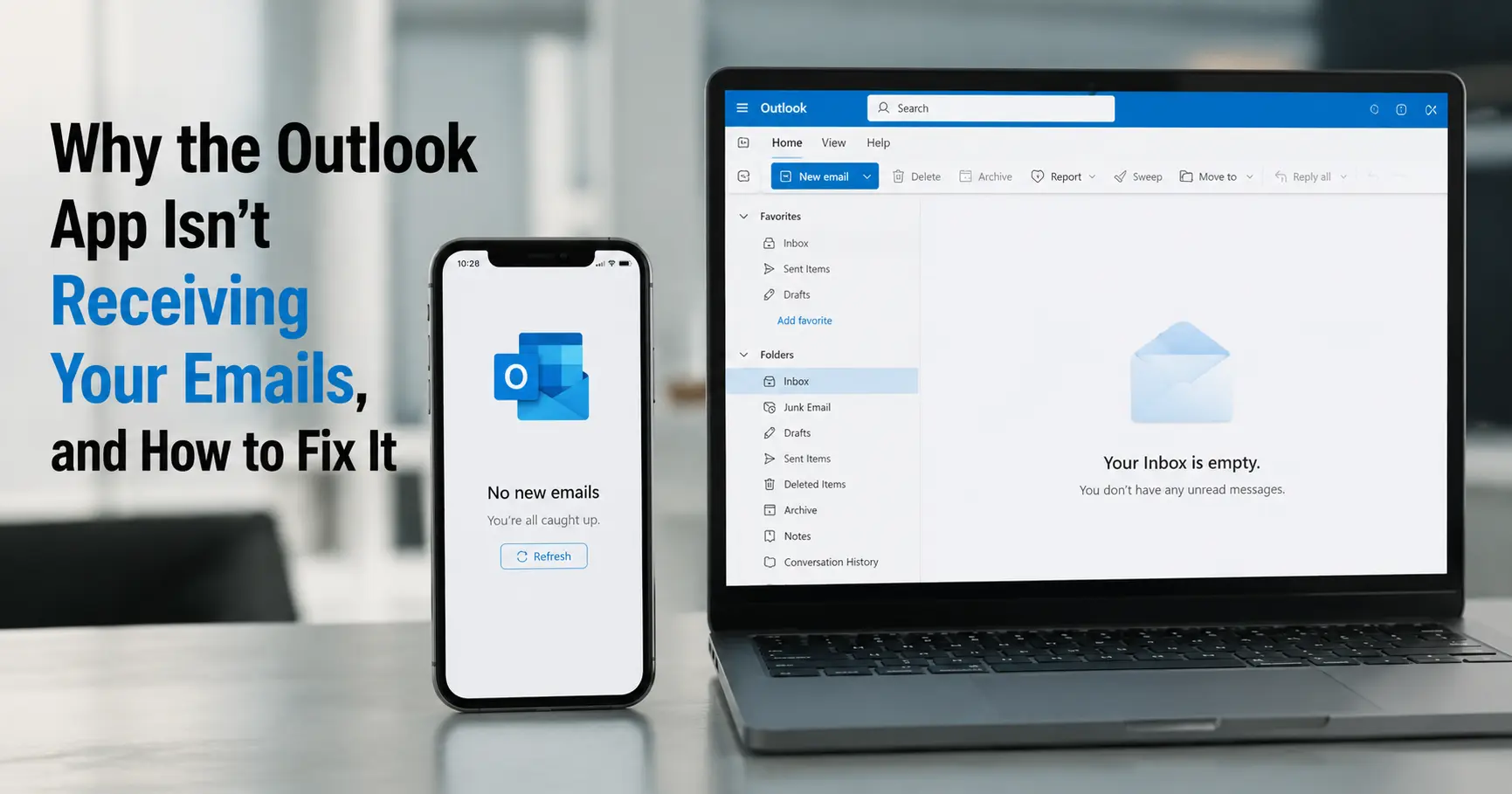
When the Outlook app stops pulling in new mail, open Outlook on the web (outlook.com, or your organization's webmail add....
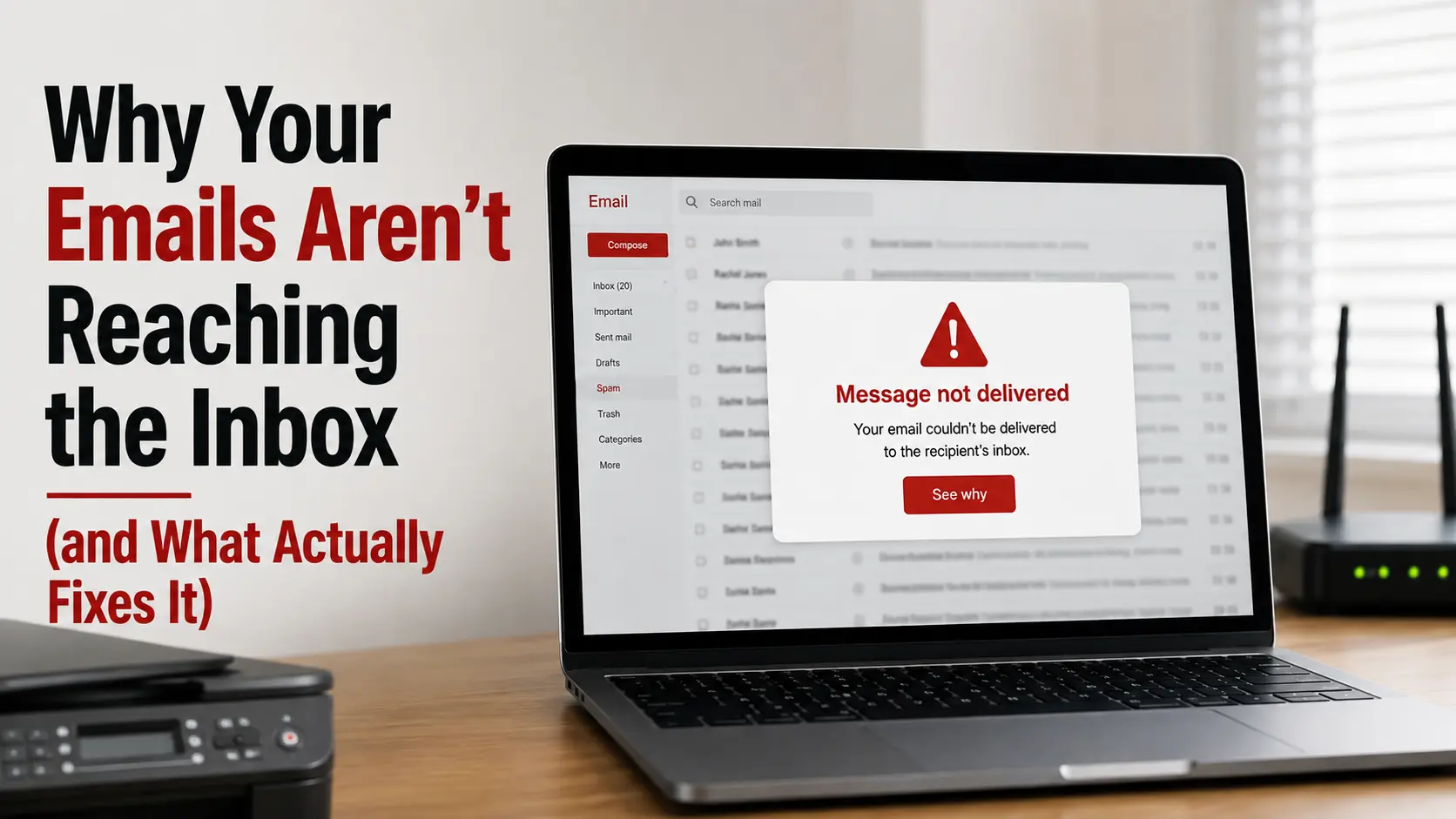
Most deliverability problems trace back to one of three things: your domain hasn't earned enough trust with the mailbox ....
If your email died right after moving your website to a new host, the cause is almost always your MX records: either the....
Sample content for validation testing


 +1-857-557-6896
 +44-161-791-4592