
Latest Blogs
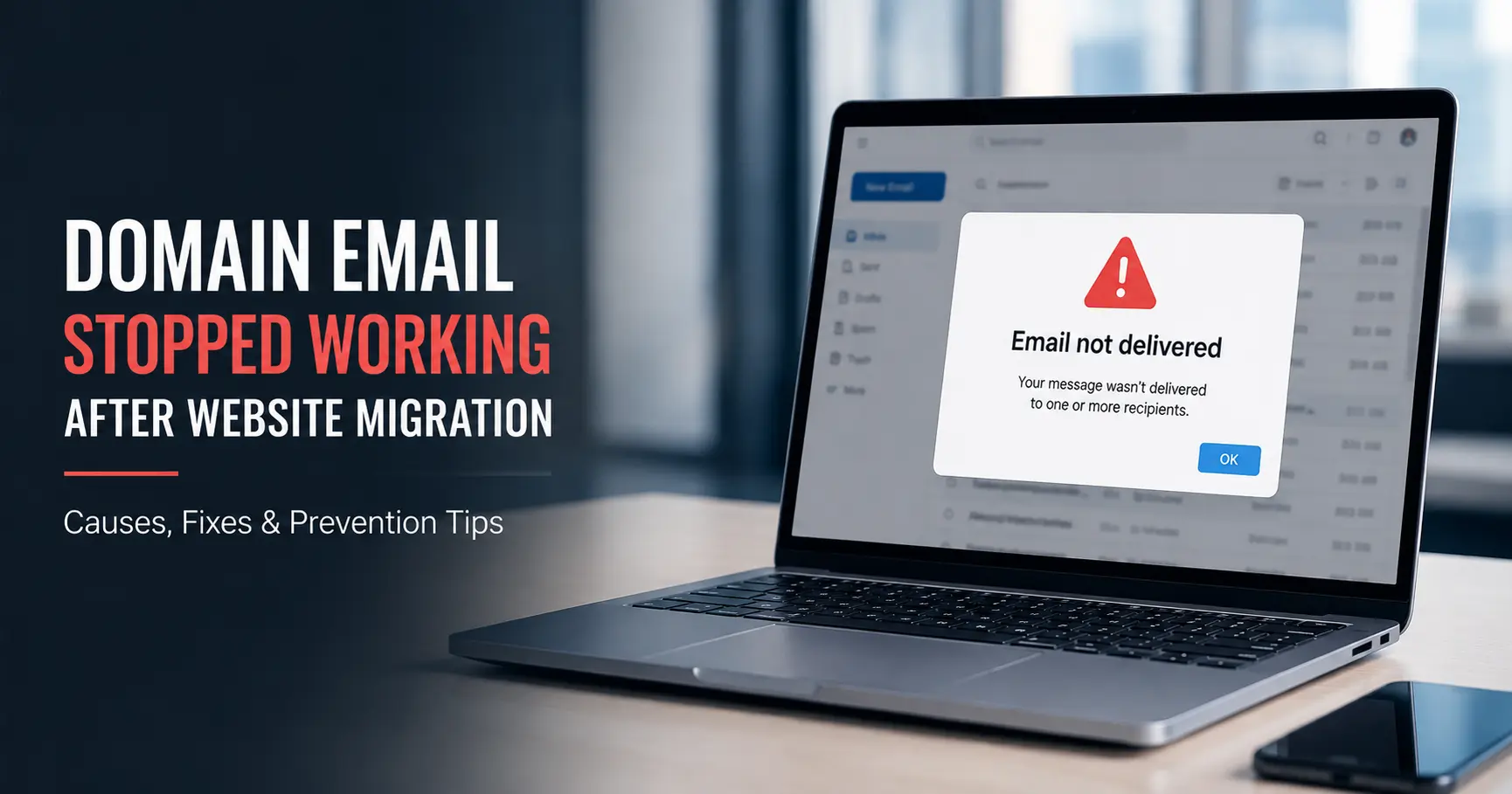
Domain Email Stopped Working After Website Migration
If your email died right after moving your website to a new host, the cause is almost always your MX records: either the.... Read More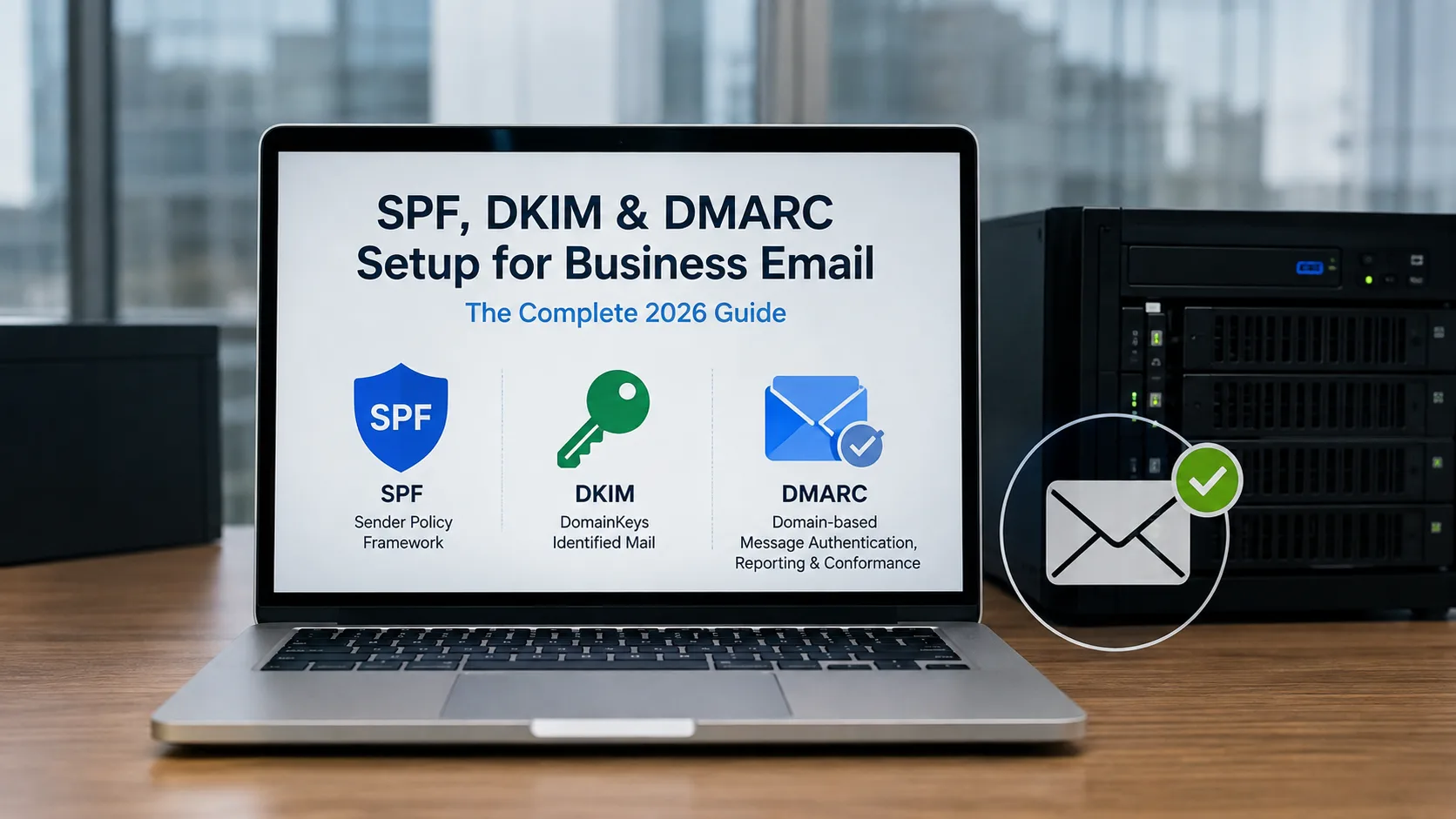
SPF, DKIM & DMARC Setup for Business Email: The Complete 2026 Guide
Setting up SPF, DKIM, and DMARC means publishing three DNS TXT records: one listing which servers can send mail for your.... Read More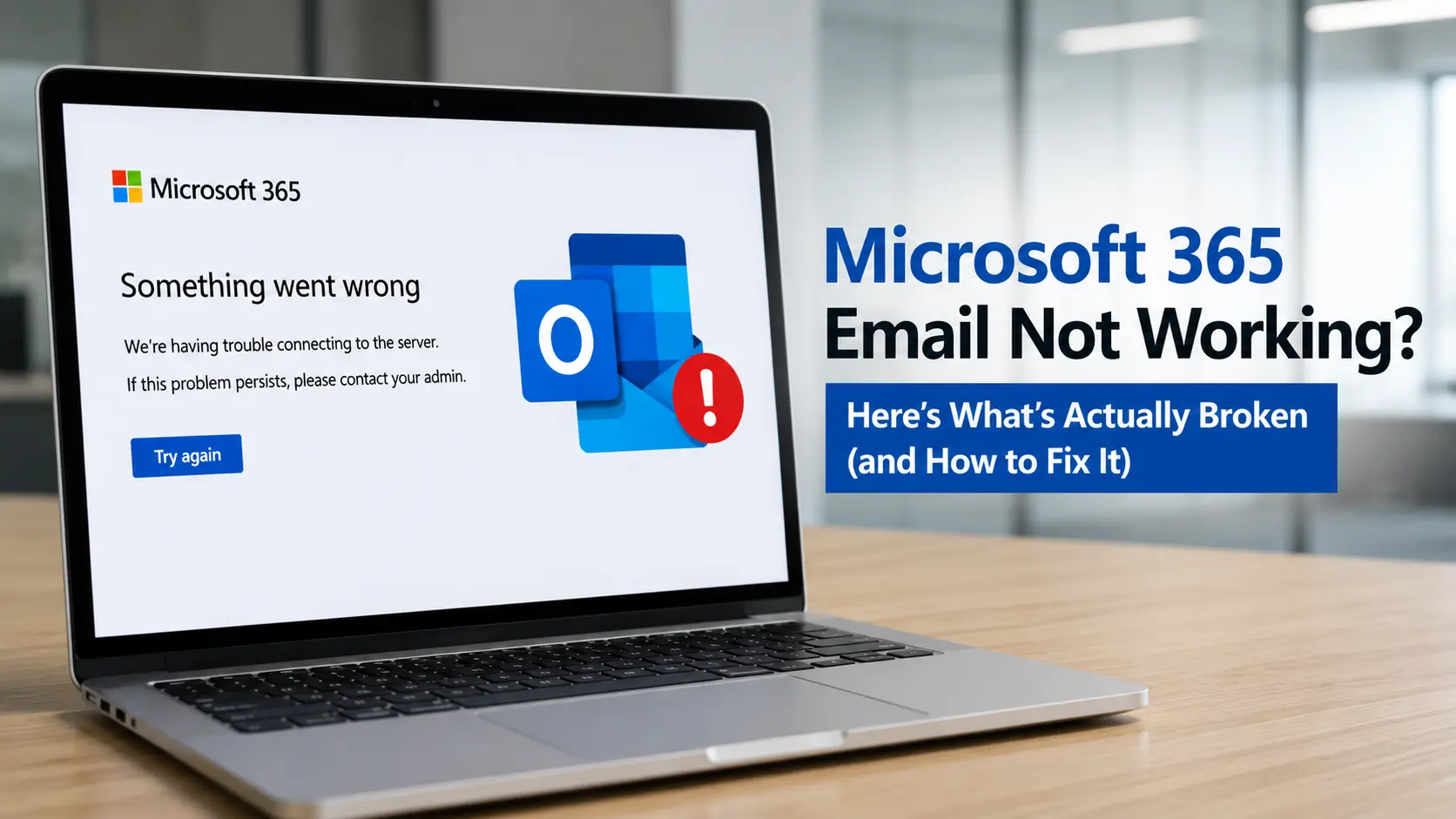
Microsoft 365 Email Not Working? Here's What's Actually Broken (and How to Fix It)
When Outlook or Outlook on the web suddenly stops sending, receiving, or syncing mail, people almost always assume it's .... Read More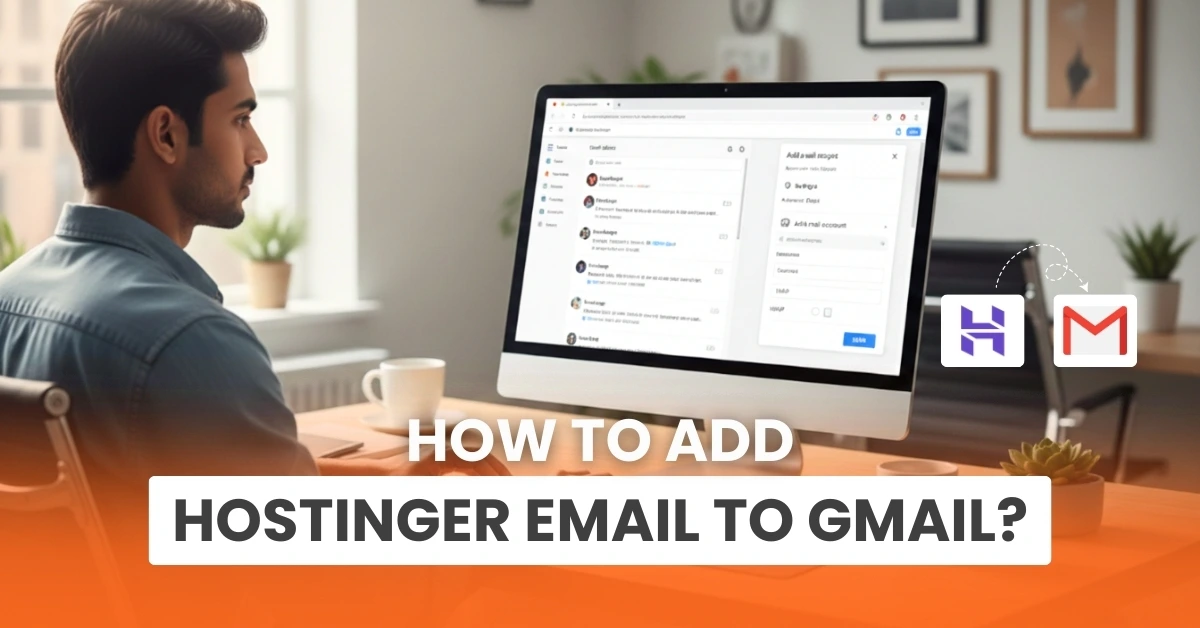
How to Add Hostinger Email to Gmail?
Managing multiple email accounts can become difficult, and while switching between accounts, you may miss an important m.... Read More
How to Set Up Domain Email With Bluehost?
Do you want to create a professional email matching your business name? You can do that by setting up a domain email wit.... Read More


 +1-857-557-6896
 +44-161-791-4592